Repairs by machine type
Our field repair work is grouped by machine type so you can go straight to the service that matches your equipment. We fault-find on site, fit suitable spares where needed, and issue a service report on every job.
A repair hub built around the machine in front of you
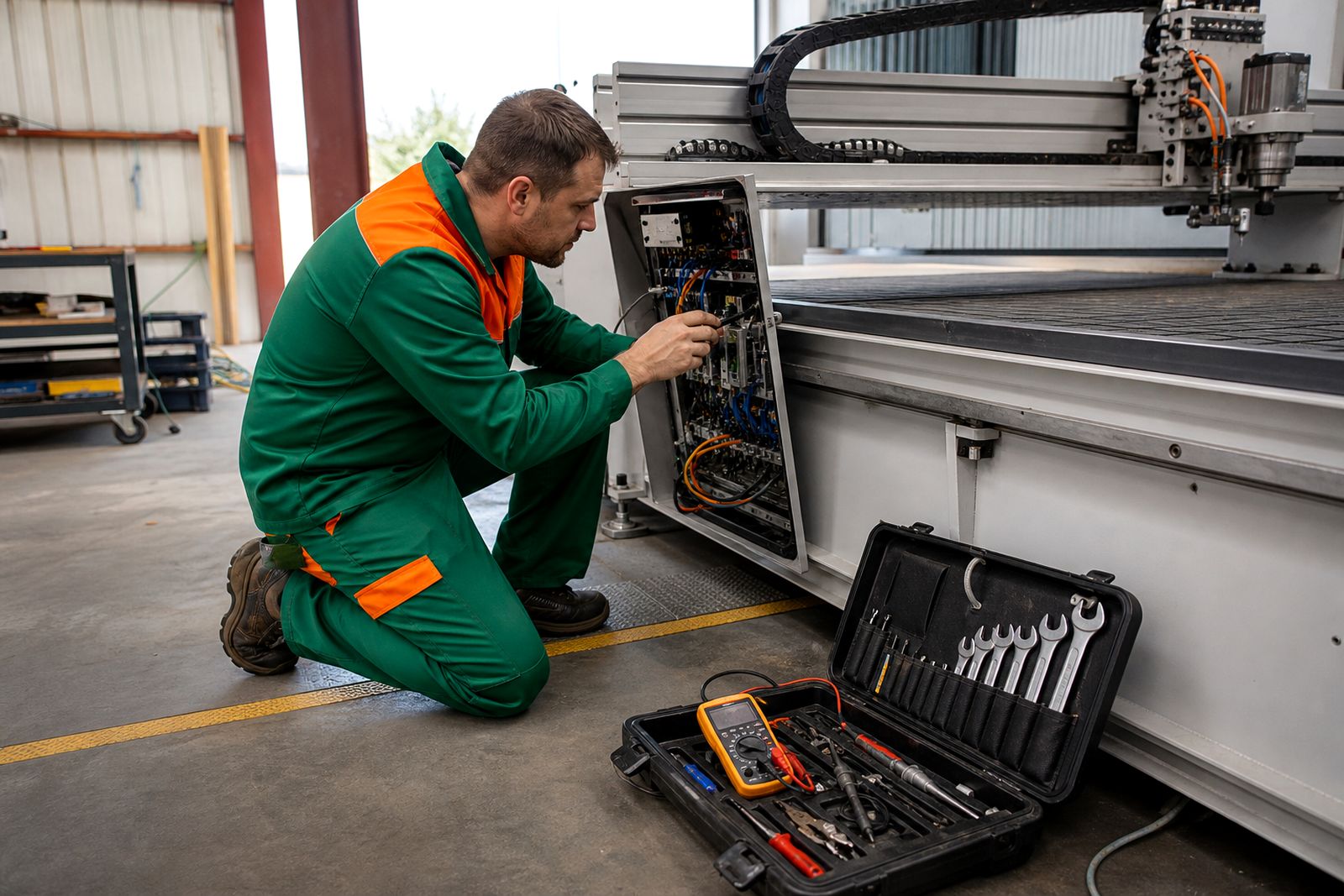
Different CNC and digital cutting machines fail in different ways, even when the symptom sounds the same. A router with position drift, a fibre laser with intermittent output and a wide-format printer stopping mid-run all need different checks, parts handling and test routines.
Our machine-type service paths help you choose the right route before you send details through our contact form. We work as an independent field crew from Midrand and cover every province, with regular call-outs across Gauteng, KwaZulu-Natal, the Western Cape, the Eastern Cape and the Free State. Our work covers repairs and maintenance on existing machines across many makes.
The ten machine groups we cover
Each service page drills down into common faults, site conditions and the sort of components usually checked first. If your machine has mixed functions, start with the main process that has stopped production.
- CNC routers for vacuum tables, spindle faults, drives, homing errors and control issues.
- CO2 laser cutters for tube-related faults, motion problems, optics alignment and cooling-linked stoppages.
- Fibre lasers for source faults, chiller alarms, head issues, capacitive sensing and cut instability.
- Laser engravers where fine motion, beam consistency and small-part accuracy matter.
- Plasma cutters for torch height faults, ignition problems, air issues and gantry movement errors.
- CNC machine tools for controls, lubrication faults, axis alarms and interlock problems.
- Milling machines where backlash, spindle trouble and feed faults need measured checks.
- Plotters and cutting tables for tracking, sensor faults, belt wear and media handling problems.
- Wide-format printers for carriage faults, feed errors, maintenance station issues and control alarms.
- Vinyl cutters for contour cut registration, blade pressure, tracking and communication faults.
How to choose the right page
If you already know the machine type, use that page first. When the equipment crosses over between cutting, marking and print work, pick the service closest to the failing hardware and the process being run.
- Choose router repair when the machine uses a spindle and cuts board, plastic, composites or soft metal.
- Choose CO2 laser cutter repair for non-metal laser cutting with mirrors, lenses and a beam path that needs alignment.
- Choose fibre laser repair for metal cutting systems with a laser source, cutting head and chiller.
- Choose machine tool or milling repair when the issue sits with enclosed metalworking equipment, tool changes or precision axis movement.
- Choose plotter, wide-format or vinyl pages when the fault is tied to media feed, carriage travel, print output or drag-knife cutting.
If you are not fully sure, send the machine type plate details, the control model, the province, and a short fault note. A photo of the alarm screen helps a lot, especially where the same symptom appears under different alarm names on different controls.
What our field technicians usually check first
On-site fault-finding starts with the basics that stop a machine from referencing, moving, firing, cutting, printing or holding calibration. That includes power quality, control alarms, safety circuits, motion feedback, spindle or source condition, cooling, air supply and any recent parameter changes after a battery loss or board swap.
South African site conditions matter. Coastal humidity can affect optics compartments, terminals and stored spares. Dust loading around routers and plasma tables can push faults into fans, sensors and cable tracks. On production floors with unstable supply, repeated trips can leave controls in a bad state even when the core component is still serviceable.
Every visit ends with a written service report setting out faults found, work carried out and further parts or follow-up actions where needed.
Service paths beyond one-off repairs
Machine problems can show up as sudden breakdowns or as gradual loss of accuracy and reliability. Some sites need planned maintenance to keep accuracy and uptime in line, while older equipment may be better suited to a retrofit than repeated patch repairs.
- Use Call-outs for stoppages, axis alarms, cut quality loss, print faults and unexplained control behaviour.
- Use Service contracts where several machines need scheduled visits, condition checks and maintenance records.
- Use Retrofits and upgrades when controls, drives, operator panels or support electronics have become difficult to keep in service.
For machines running long shifts, it often makes sense to note repeat alarms, recent part changes and the exact stage where the process fails. That cuts out guesswork on site and helps the technician arrive with the right test plan.
What to send with the job request
A good fault note saves wasted travel and helps us place the job under the right machine type before a technician is booked. Short, exact information is better than a long story.
- Machine type and basic specification, such as bed size, power range or process type.
- Town and province where the machine stands.
- Main fault symptoms and any alarm text shown on screen.
- Whether the fault is constant or intermittent.
- Recent events such as power trips, crashes, lightning, coolant loss, blocked extraction or replaced parts.
- Photos of the machine, control screen and failed cut or print result where relevant.
Send those details through our contact form and start with the service page that matches the machine type.
Explore the range
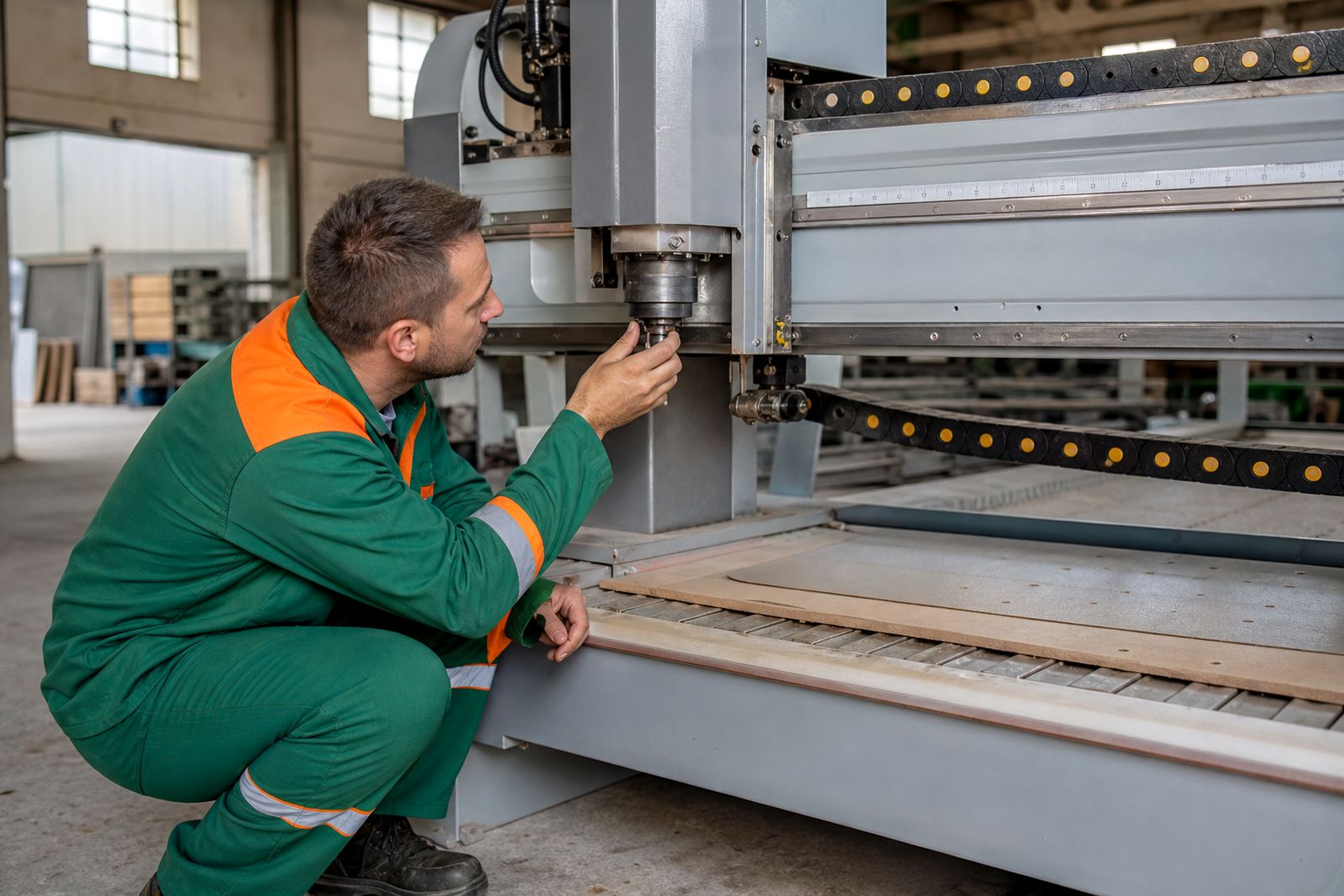
CNC router repair
Field repair for CNC routers with spindle, vacuum, drive and axis fault-finding on site.
Read more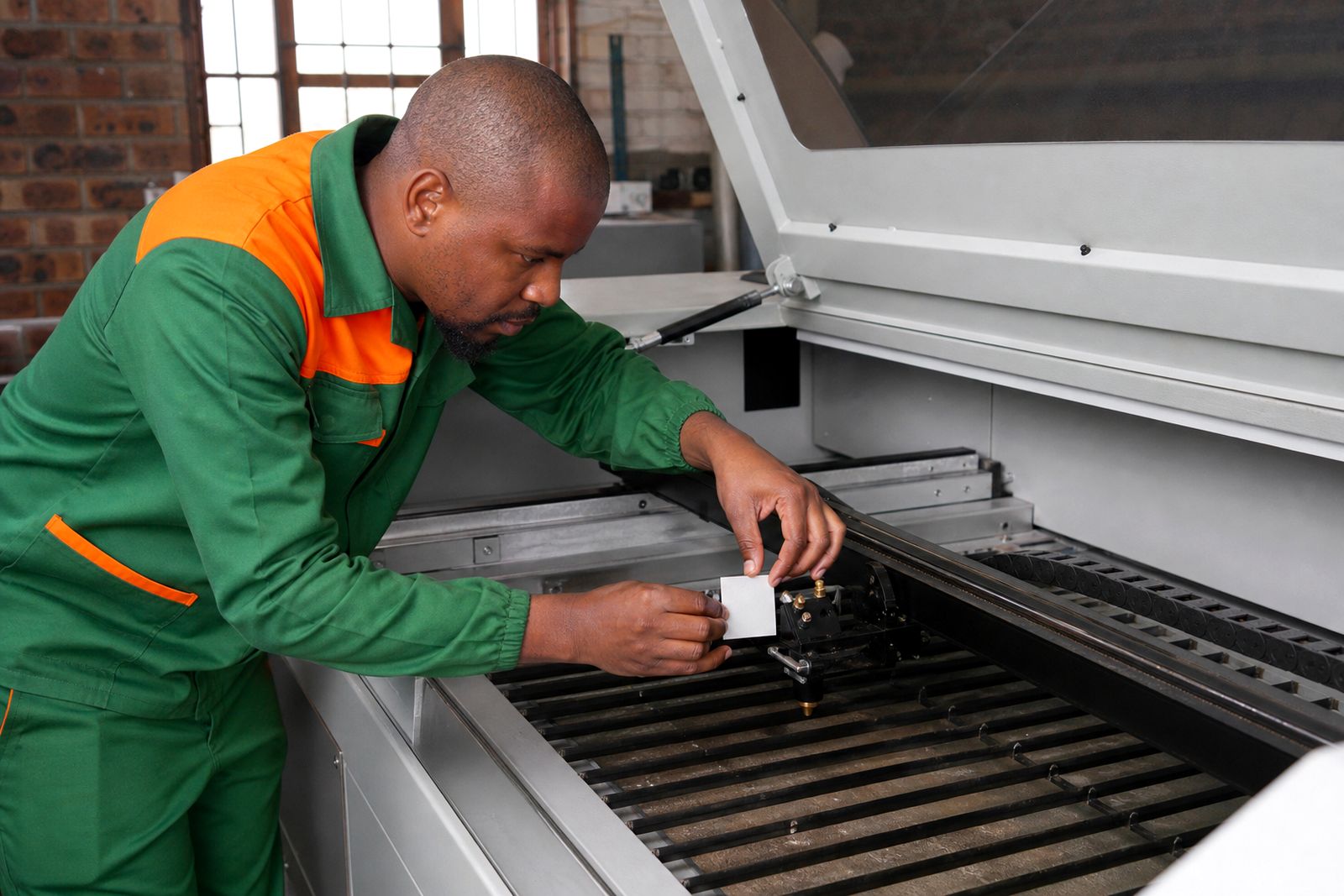
CO2 laser cutter repair
Independent CO2 laser cutter repair with field call-outs, parts fitting, alignment checks and service reports on every job.
Read more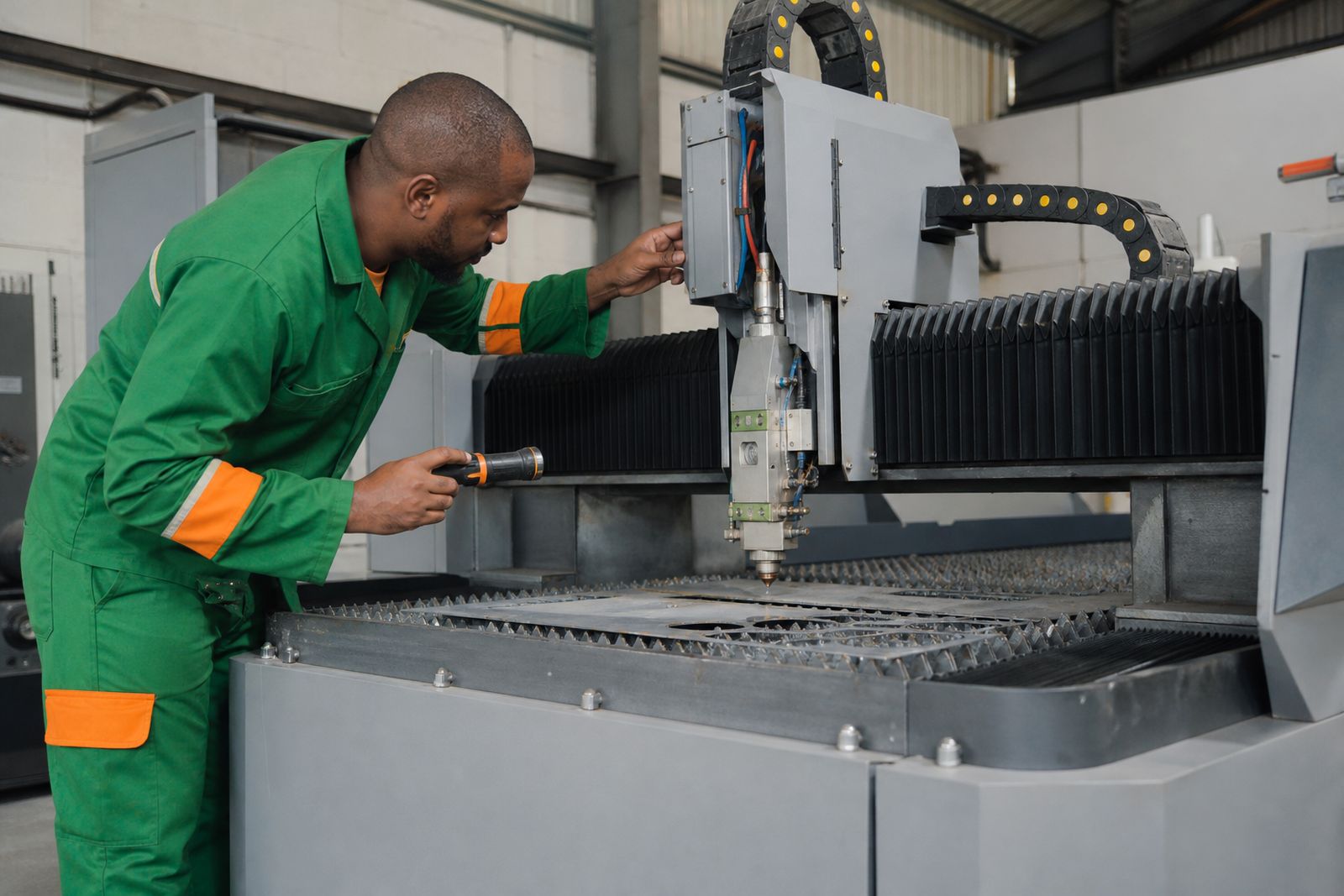
Fibre laser repair
Field repair for fibre laser cutters and markers, from source alarms to head crashes and unstable motion.
Read more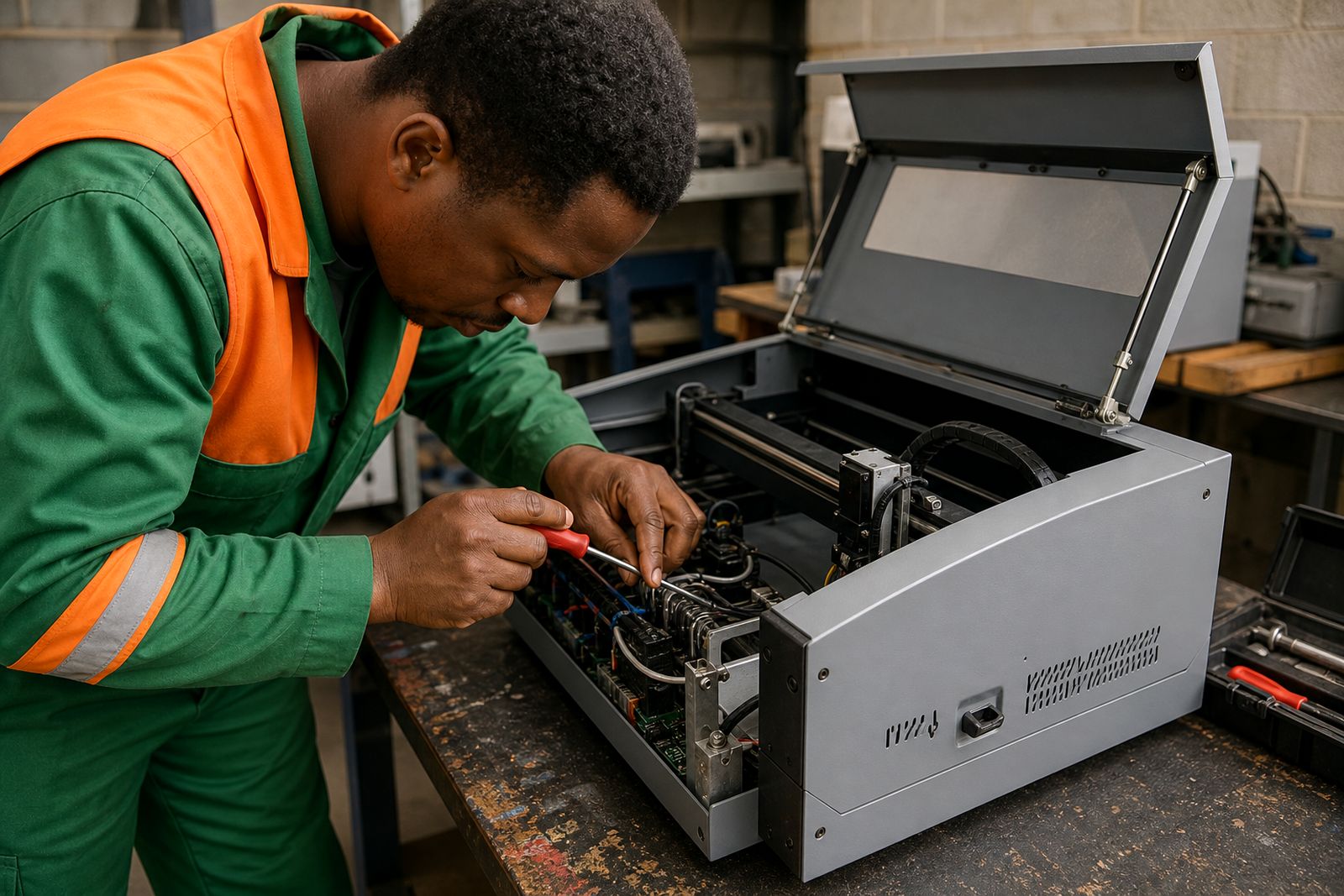
Laser engraver repair
Field repair and maintenance for laser engravers that have lost marking quality, motion accuracy or control stability.
Read more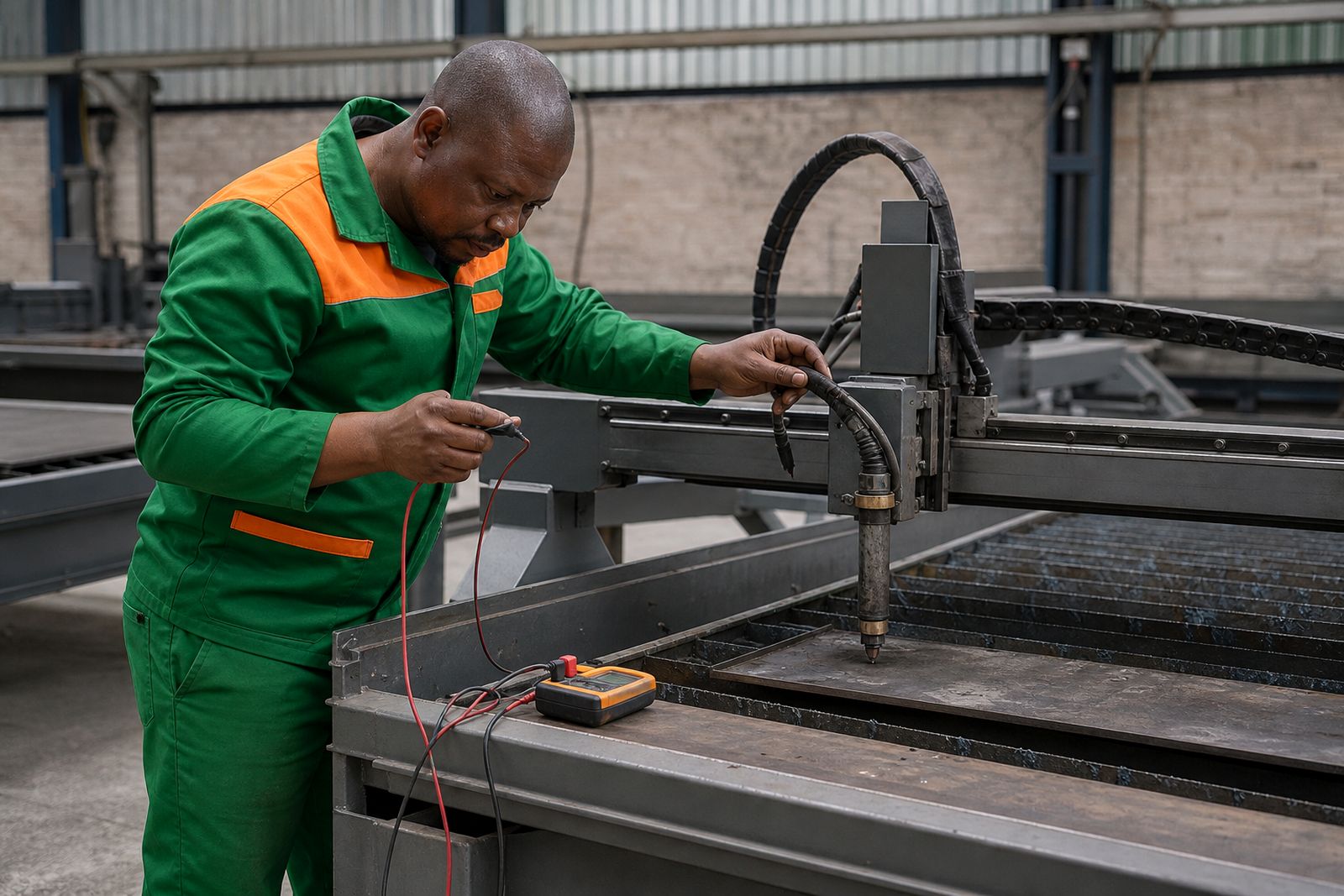
Plasma cutter repair
Field repair for CNC plasma tables with height control, torch, motion and power source faults.
Read more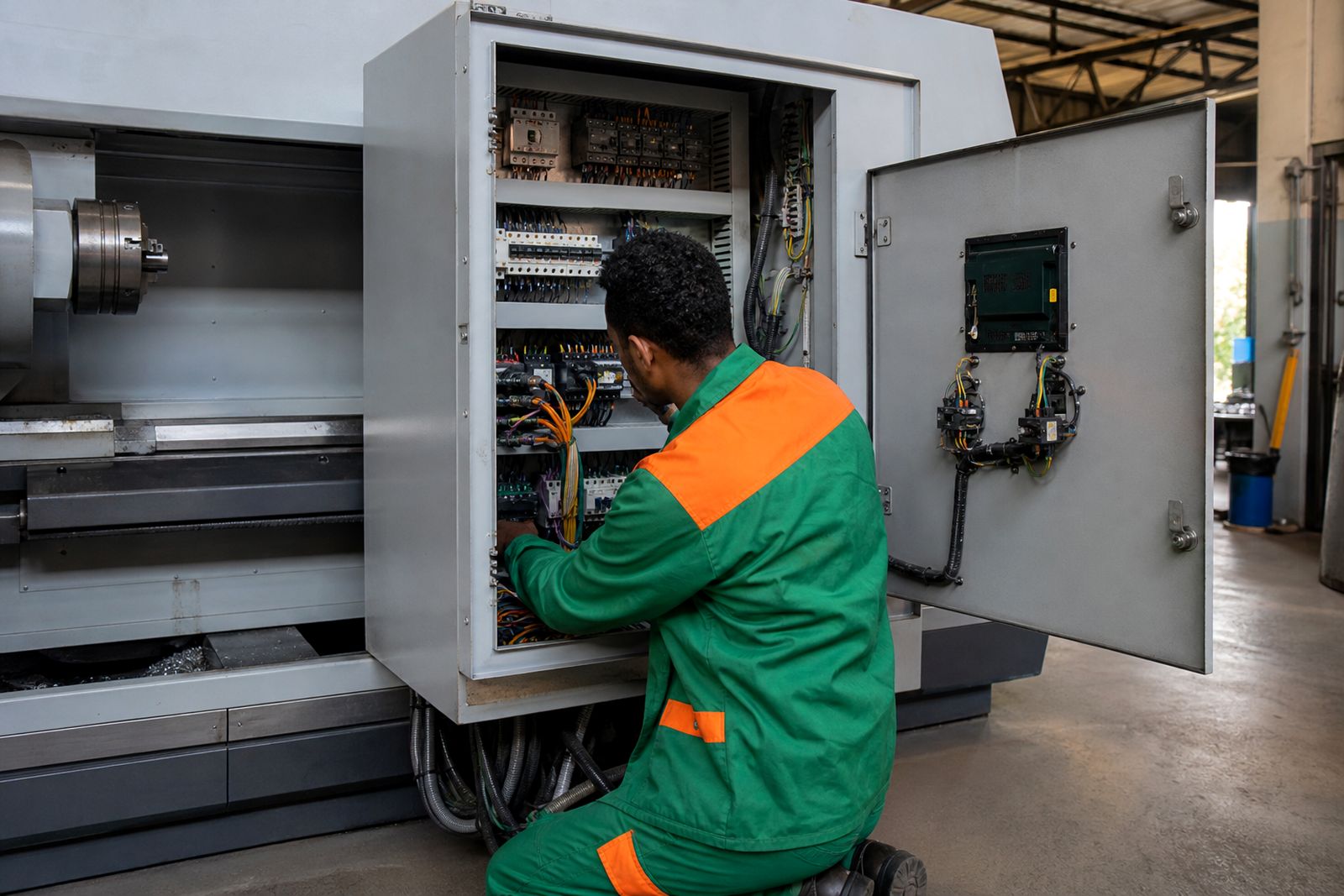
CNC machine tool repair
Field repair and maintenance for CNC lathes and machining centres, with reports, fault-finding and fitted parts.
Read more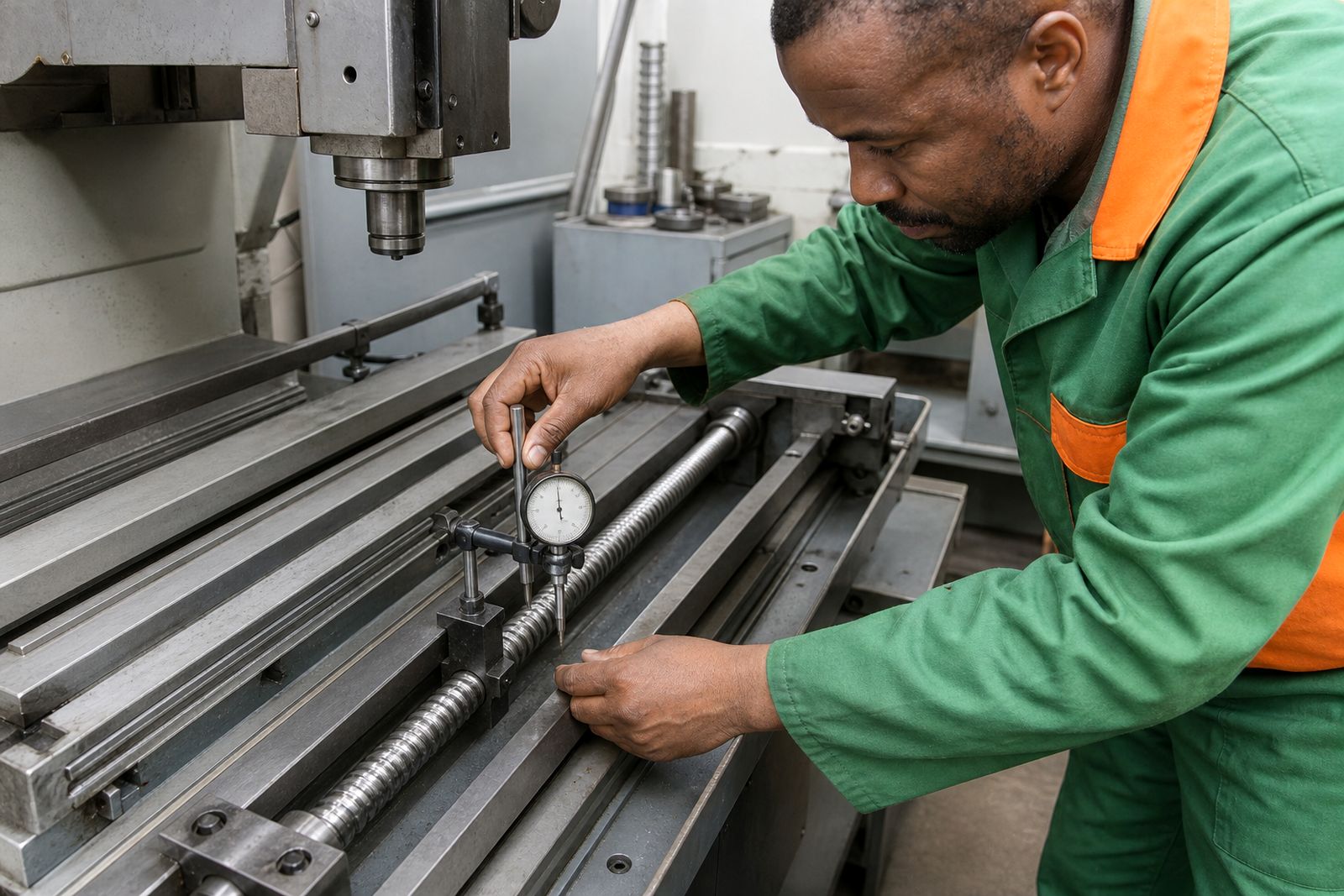
Milling machine repair
Independent repair and maintenance for CNC milling machines, from alarms and drift to spindle and axis faults.
Read more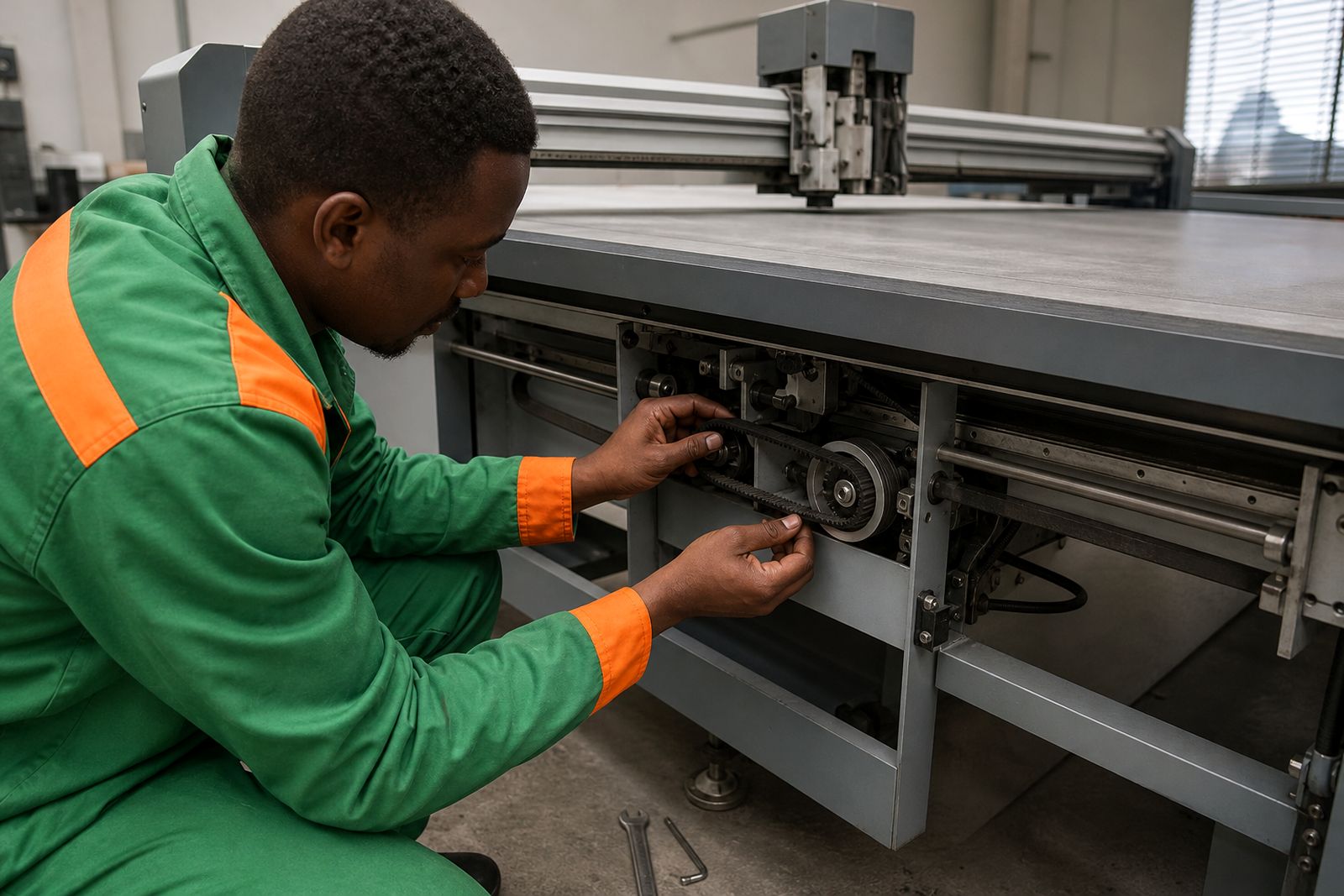
Plotter and cutting table repair
Field repair for flatbed plotters and cutting tables, from drive faults to vacuum leaks and tool setup issues.
Read more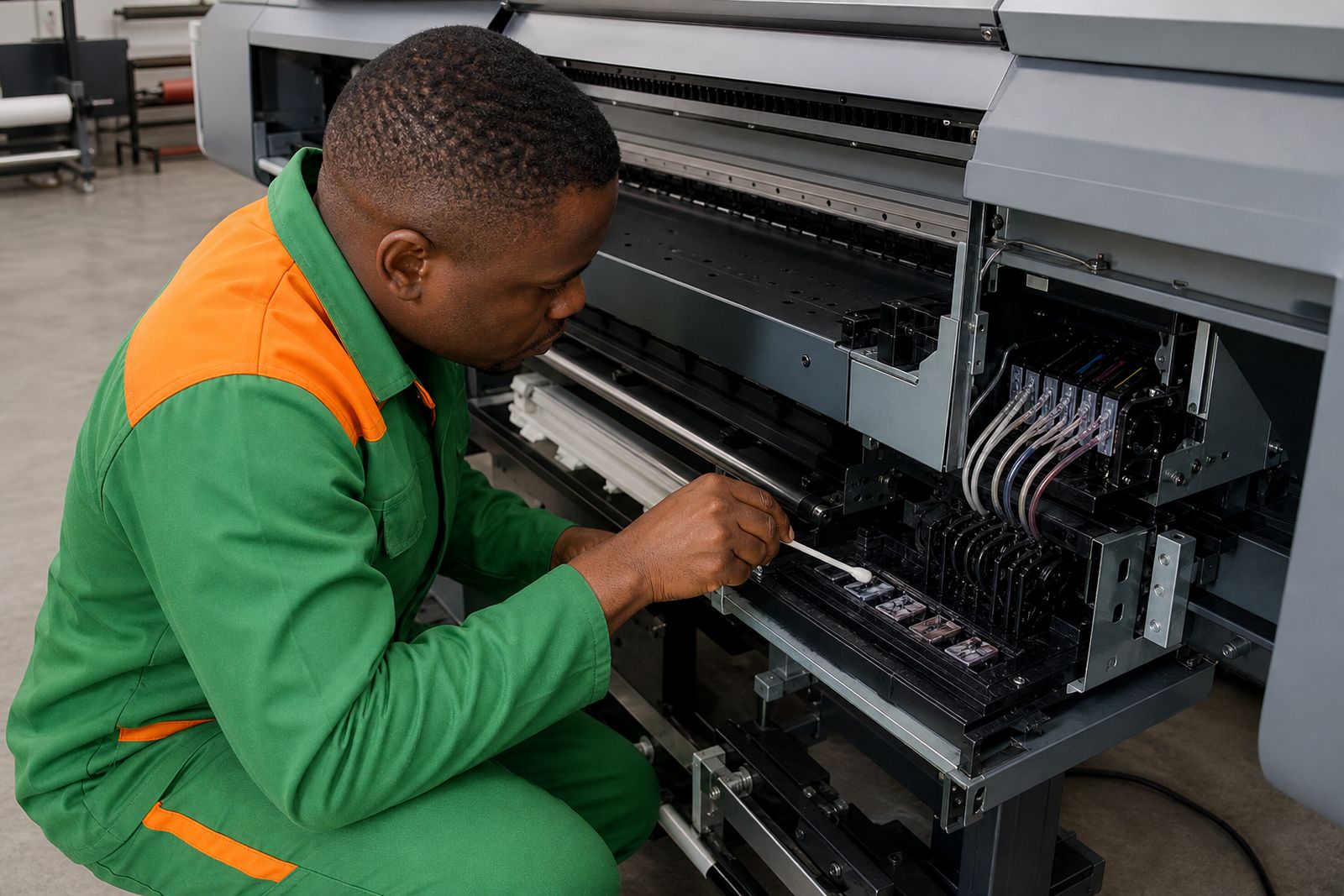
Wide-format printer repair
On-site repair for wide-format printers, covering print quality faults, carriage issues and media handling problems.
Read more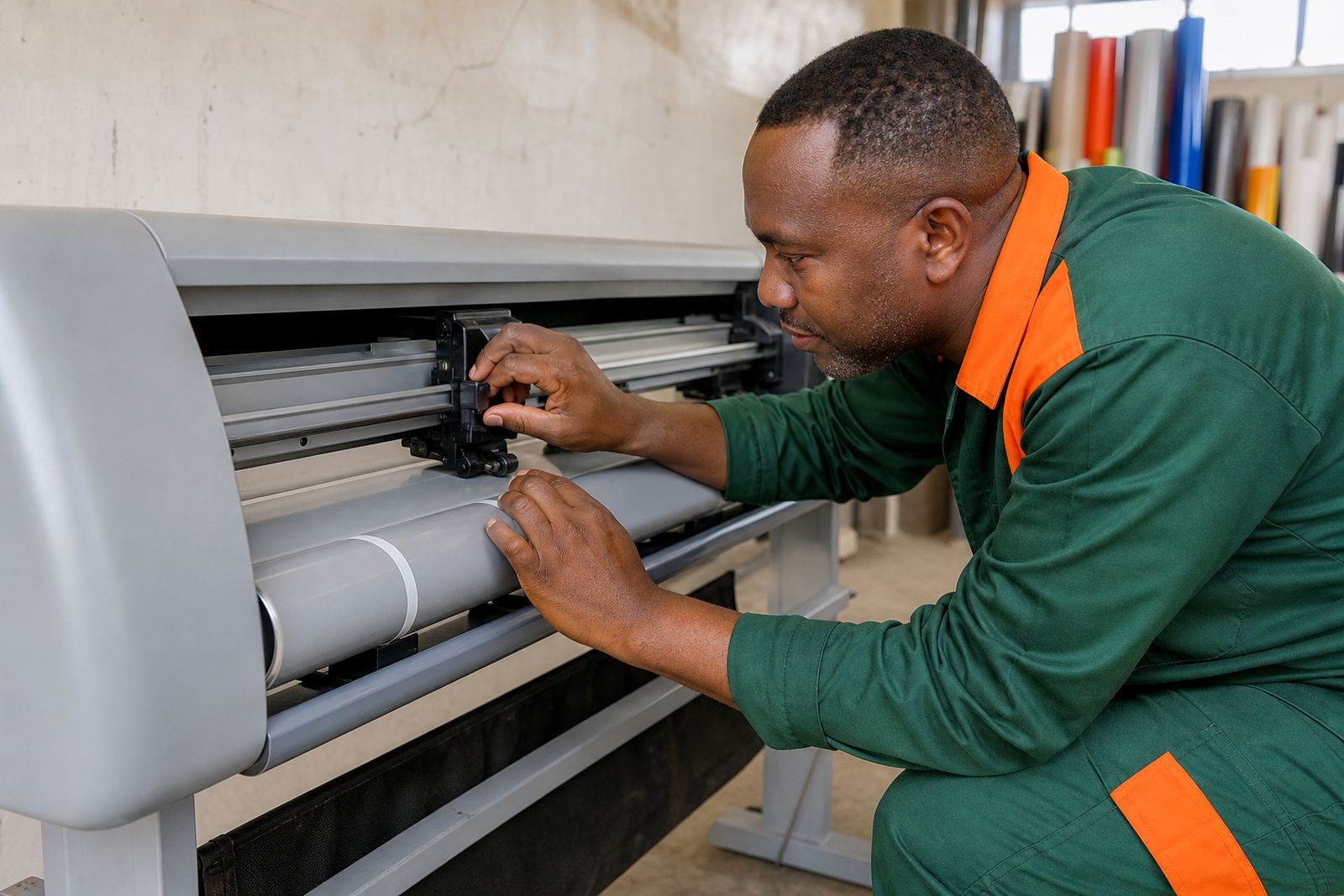
Vinyl cutter repair
Field repair for vinyl cutters with tracking faults, sensor issues, board faults and worn feed components.
Read moreQuestions we get asked
Do you work on different makes of CNC equipment?
We are an independent repair and maintenance crew and work on many makes across routing, laser, plasma, machine tool, plotting, print and vinyl cutting equipment.
Do you sell new machines or only repair existing ones?
We only handle repairs, maintenance, service contracts, call-outs and retrofits on existing equipment. We do not sell new machines.
Can one site request support for several machine types?
Many factories and sign shops run a mix of routers, lasers, printers and cutters. Include the full machine list in your request so the visit can be scoped properly.
Tell us about the job
Send sizes, materials and where you are through our contact form, and we will come back with the practical options.
Open the contact form